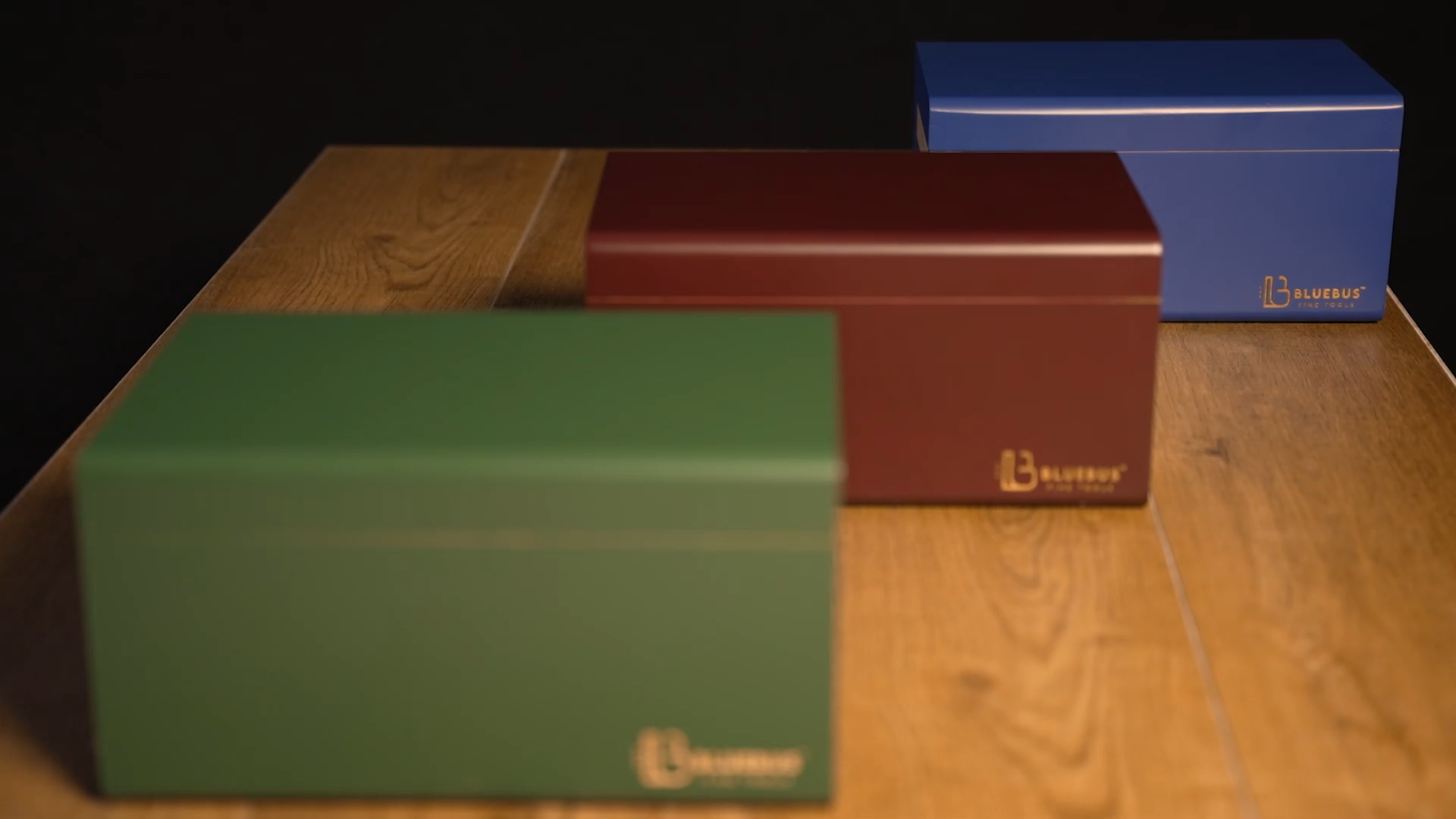



The Golden Ratio, Explained: Why Two of Our Boxes Are Built to 1.618:1
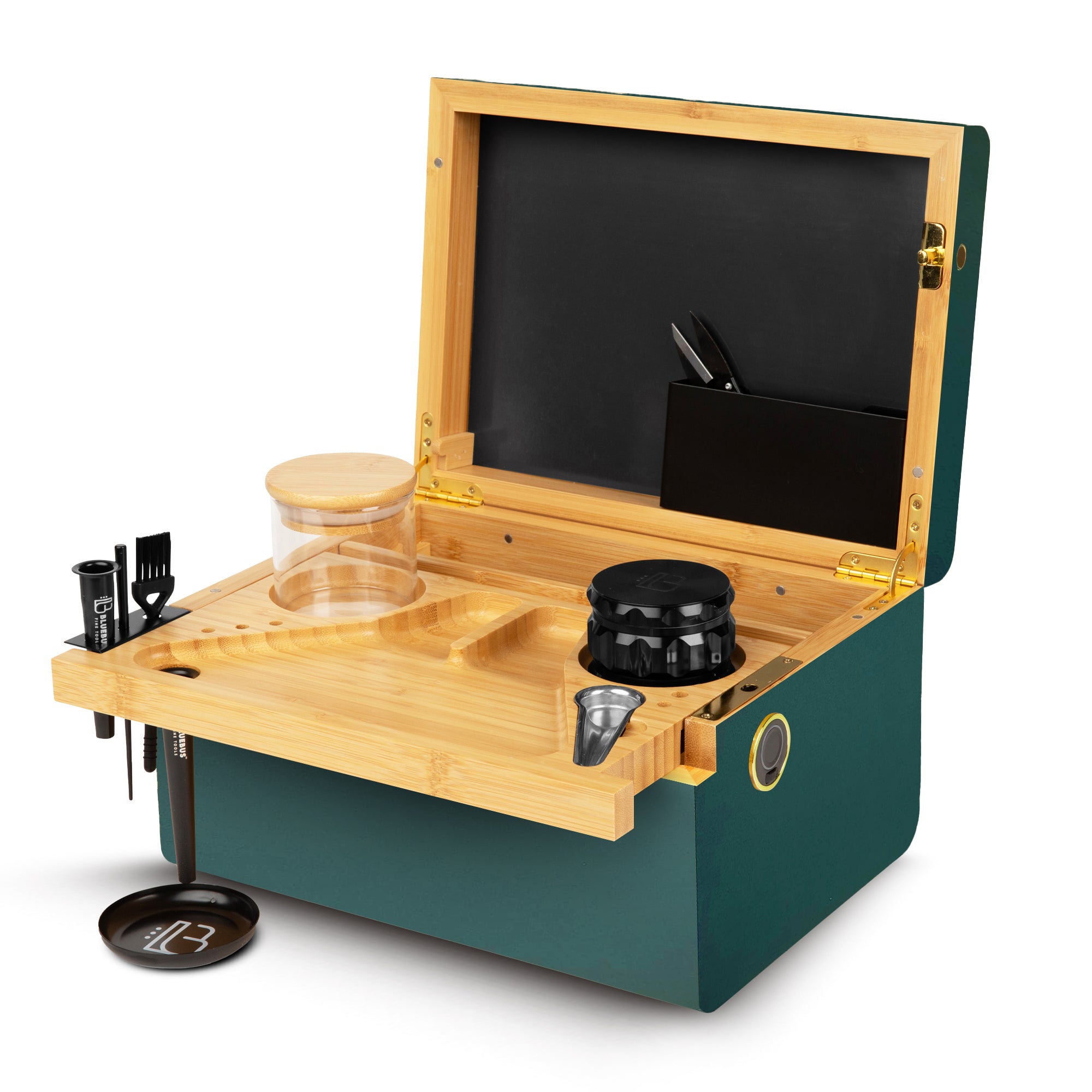
The MULTIBOX and GOLDEN ROLLER BOX are built to the Golden Ratio. Here's what that number actually is, where it genuinely shows up, and what it does to a box you hold every day.


Dive into the BlueBus world! Explore the latest product reviews, peek inside exciting unboxings, discover lifestyle inspiration, and stay on top of new events – all in one place.


There are two locks in the BlueBus range. Not five, not one per box — two.
Every box we make carries either a fingerprint sensor or a brass key lock, and within each group the hardware is identical. The fingerprint lock on the MULTIBOX is the same unit as the one on the Discovery 2.0. The key lock on the GOLDEN ROLLER BOX is the same unit as the one on the Genesis 3.0 and the Discovery 1.0.
Which means the choice is simpler than it looks. You aren't comparing five security systems. You're answering one question: do you want to touch it, or turn something?
| Fingerprint | Key | |
|---|---|---|
| On which boxes | Discovery 2.0, MULTIBOX | GOLDEN ROLLER BOX, Genesis 3.0, Discovery 1.0 |
| To open | One touch | Turn the key |
| Power | USB-C rechargeable | None — nothing to charge |
| If it fails | Built-in backup access method | Spare key (two included) |
| What you can lose | Nothing to carry | The key |
| In the box | Lock, USB-C charging | 2 keys, key hanger |
Two locks across the whole range. Within each column, the hardware is the same unit.
The Discovery 2.0 and the MULTIBOX use the same biometric lock. Same sensor, same registration process, same USB-C charging, same backup access method. There is no "better" fingerprint box — if you've used one, you've used both.
What it's genuinely good at is frequency. A box you open every evening is a different object from a box you open on weekends. One touch and it's open, with nothing in your other hand, no pocket to pat down, no drawer to check first. That sounds like a small thing until you've done it four hundred times.
The honest trade is that it's electronic, and electronic things need charging. It's USB-C and it holds a charge for a long stretch, but it is one more thing on the list. The backup access method is there precisely so a flat battery is an inconvenience rather than a problem.
Pick the fingerprint lock if
You open the box most days, you share a home and want access to stay with you rather than with whoever finds the key, or you simply don't want another small metal object to keep track of.
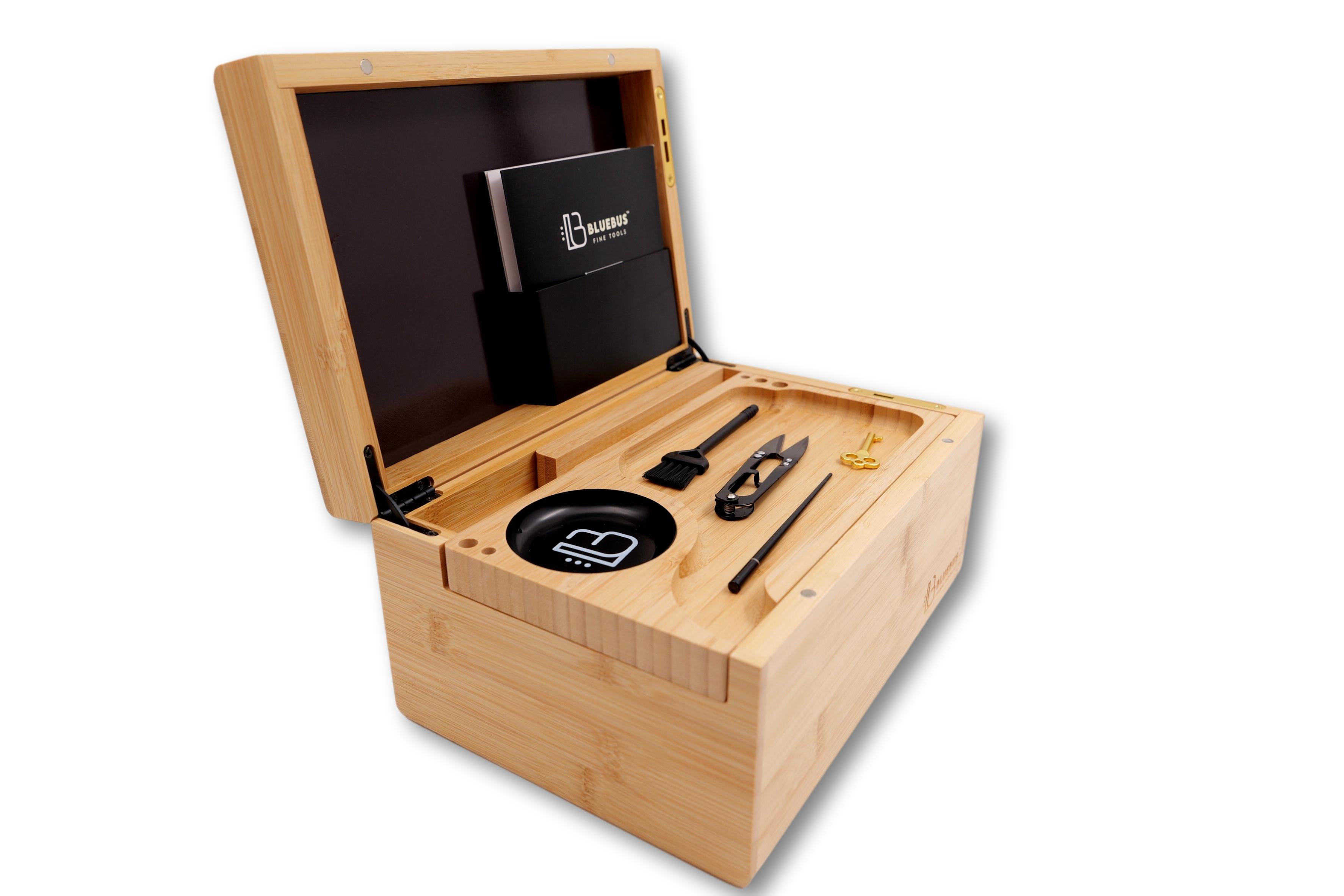
The GOLDEN ROLLER BOX, the Genesis 3.0 and the Discovery 1.0 use the same brass key lock. Same mechanism, same keys, same two-keys-in-the-box. A replacement key fits any of the three.
Its advantage is that it is not a device. There is no battery, no firmware, no charge cycle, nothing that degrades. It works the same way on day one and in ten years, and it works the same way in a drawer you haven't opened since last winter. For a box that lives on a shelf and gets opened on occasion, that's not a compromise — it's the right answer.
It also fails in a way everyone already understands. If you lose a key, you use the other key. If you lose both, you order another. Nobody needs the manual.
The trade is friction. The key has to be somewhere, and "somewhere" has to be a place you'll remember but a guest won't find. Which is what the hanger is for.
Pick the key lock if
The box lives in one place, you open it a few times a week rather than daily, or you'd rather own a mechanism than a device.
ABOUT THE KEY HANGER
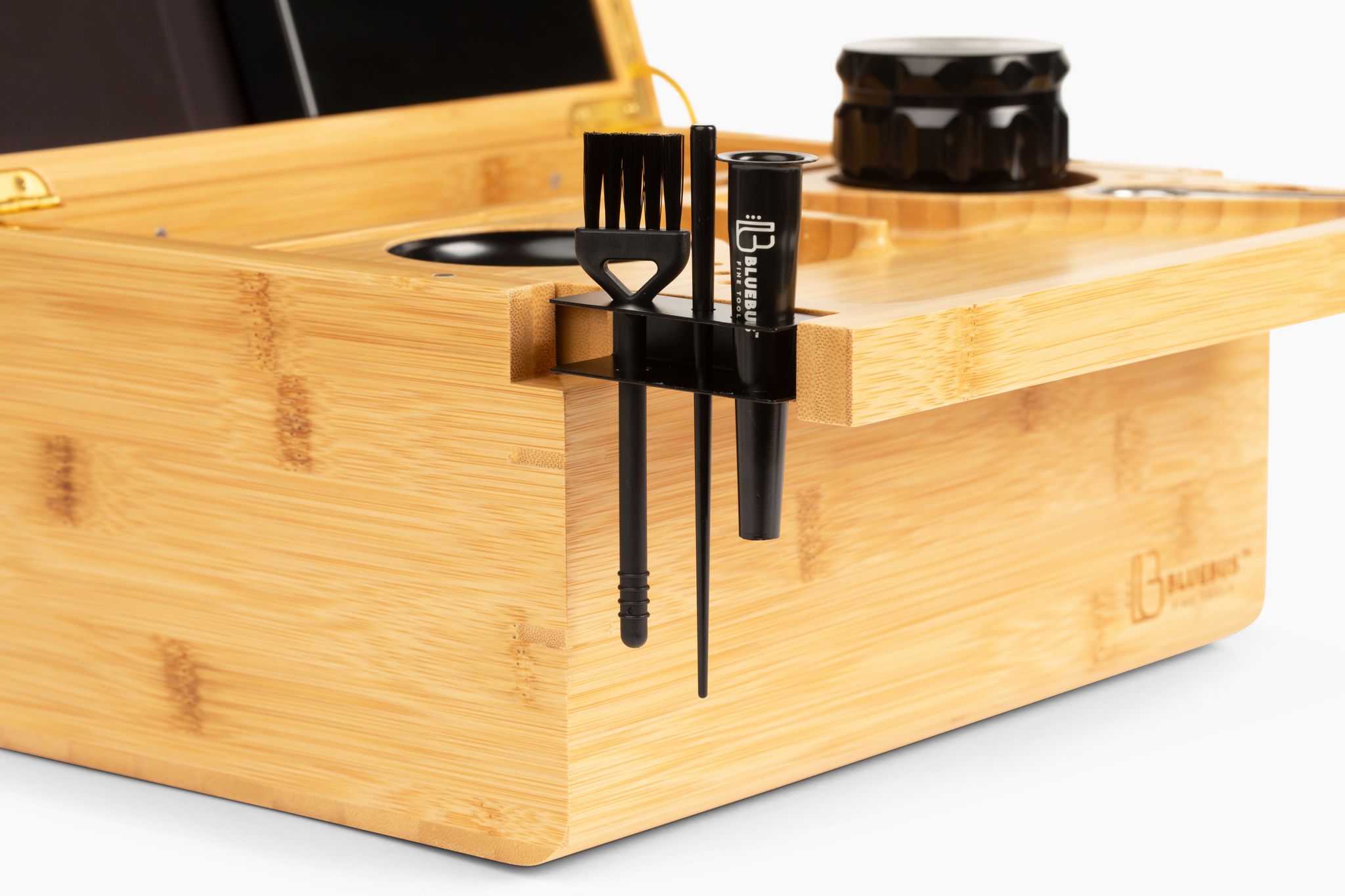
The key hanger comes in the box, but it isn't built into it. It's a separate piece with an adhesive strip already attached, so you stick it wherever makes sense — inside a cupboard door, behind the headboard, under a shelf lip, on the back of the box itself if you want the key to live with it. That's deliberate. A hook fixed to the box would put the key in the first place anyone would look.
This is worth being straight about, because the category tends to oversell it.
Neither lock turns the box into a safe. It's a bamboo box. Someone determined, with time and tools, gets into it — that's true of the fingerprint version and the key version equally, and it's true of every box in this category at every price.
What a lock does is settle the ordinary cases, and the ordinary cases are the only ones most people actually have. A curious child. A houseguest going through drawers. A cleaner, a flatmate, a visiting relative, a party where people wander. In every one of those situations a closed, locked box ends the question immediately, without a conversation.
That's the real function: it isn't armour, it's a boundary. And a boundary only works if you actually use it, which is the strongest practical argument for the fingerprint lock if you're opening the box daily — a lock you leave unlocked because locking it is annoying isn't protecting anything.
If you open it most days, or you want access tied to you rather than to an object: fingerprint. The MULTIBOX is the smaller, more focused of the two; the Discovery 2.0 is the full station with eighteen accessories.
If it sits in one place and you want something that will never need charging: key. The GOLDEN ROLLER BOX is the one to start with.
And if you're genuinely torn, the deciding question isn't about security at all. It's how often you'll open it. Everything else follows from that.


Two locks, five boxes, one question: how often will you open it?